Features
Everything Arrivo does, by app.
Four parts, one account. Start with the one that fixes your worst morning. The others are already there when you want them.
AKIOSK01 · Arrivo Kiosk
The front door, minus the paper book.
Runs on any iPad, or as a QR code visitors scan with their own phone. Everything it collects goes straight to the Portal and the right person's Go app.
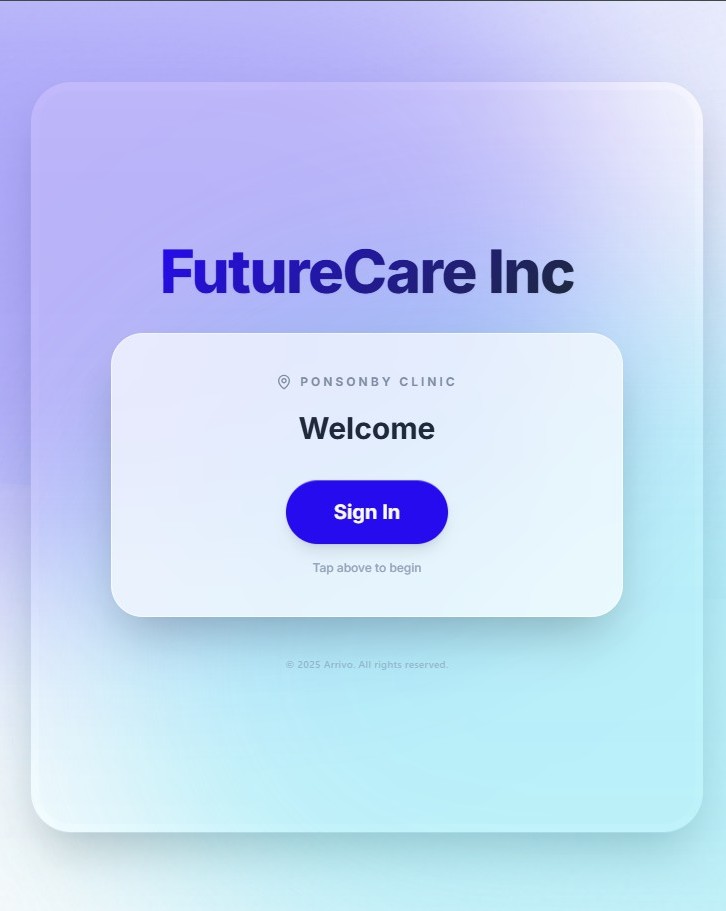
iPad and QR sign-inA kiosk on the counter, a QR code on the wall, or both. Visitors pick; the record is the same.
Form builderAsk only what you need. Different forms for visitors, contractors and deliveries, built in the Portal without a developer.
Your brandingLogo, colours and welcome message. The kiosk looks like your business, not ours.
Host alertsThe person being visited gets a message in Go the moment someone signs in for them. Reception stays at the desk.
Visitor log and sign-outWho's on site now, who came last Tuesday, who never signed out. Searchable, by site.
Evacuation list and kiosk healthPull a list of everyone on site when you need it in a hurry. See which kiosks are online from the Portal.
A02 · Arrivo Portal
The manager's view. One browser tab.
Roster, leave, timesheets, clock-ins, visitors and settings for every site you run. Works on a laptop or a front-desk monitor.
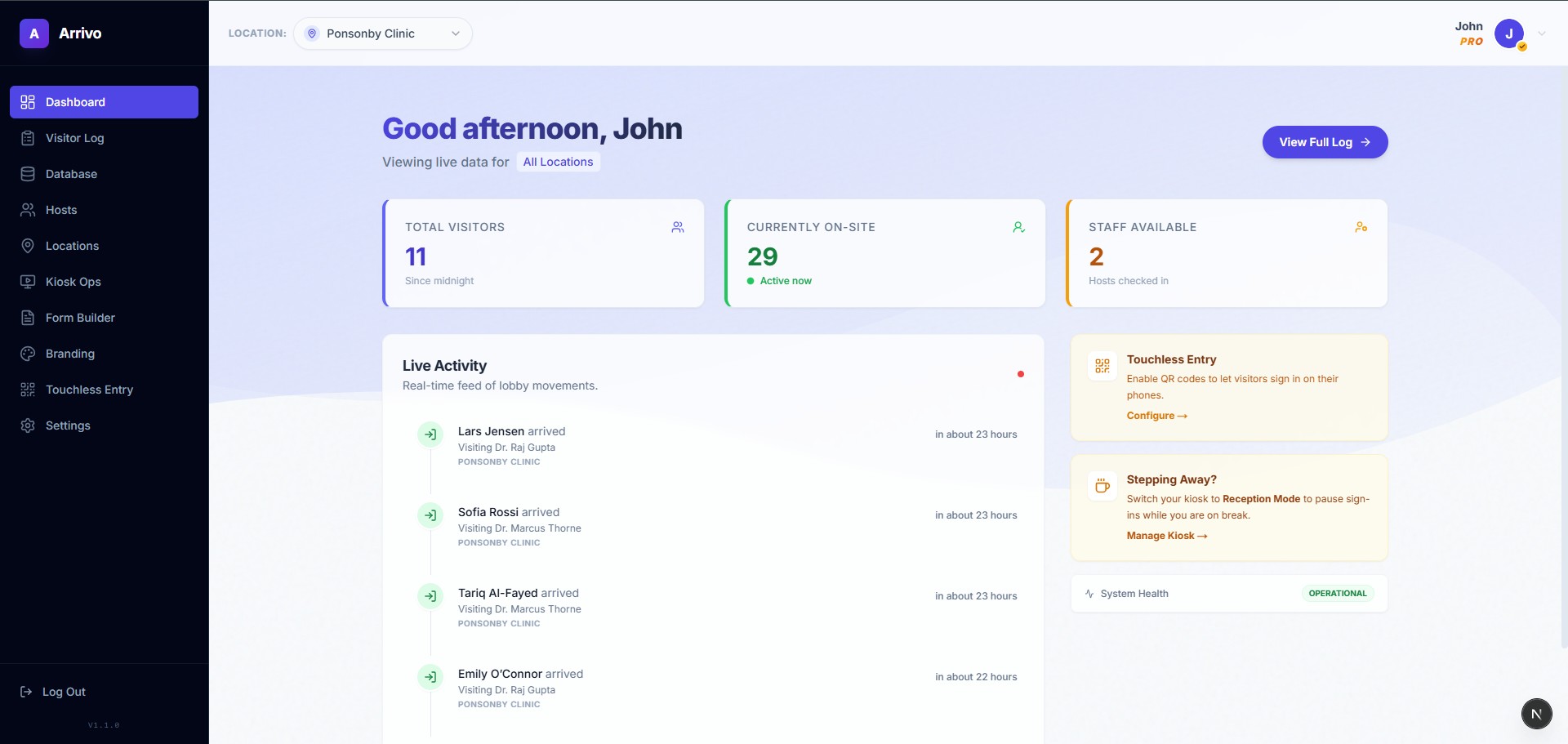
Roster plannerDrag shifts into place, see who's short, publish once. Every phone updates.
Leave and balancesRequests arrive next to the roster. Approve with the gap in view. Balances follow NZ leave rules.
TimesheetsBuilt from the published roster, adjusted where the day went differently, approved in one place.
Clock in and outStaff clock in on the kiosk or in Go. Actual hours sit next to rostered hours, so the difference is obvious.
Payroll-ready timesheetsApproved timesheets export in the format your payroll system expects, at the end of the pay period. No re-keying hours.
Sites and peopleOne list of staff, one list of sites. Kiosks, rosters and alerts all read from it.
Forms and submissionsEvery kiosk form and every answer, in one place. Export when you need to.
Roles and permissionsWho can approve, who can publish, who can only see their own site. The assistant inherits the same rules.
AGO03 · Arrivo Go
The staff app. iPhone and Android.
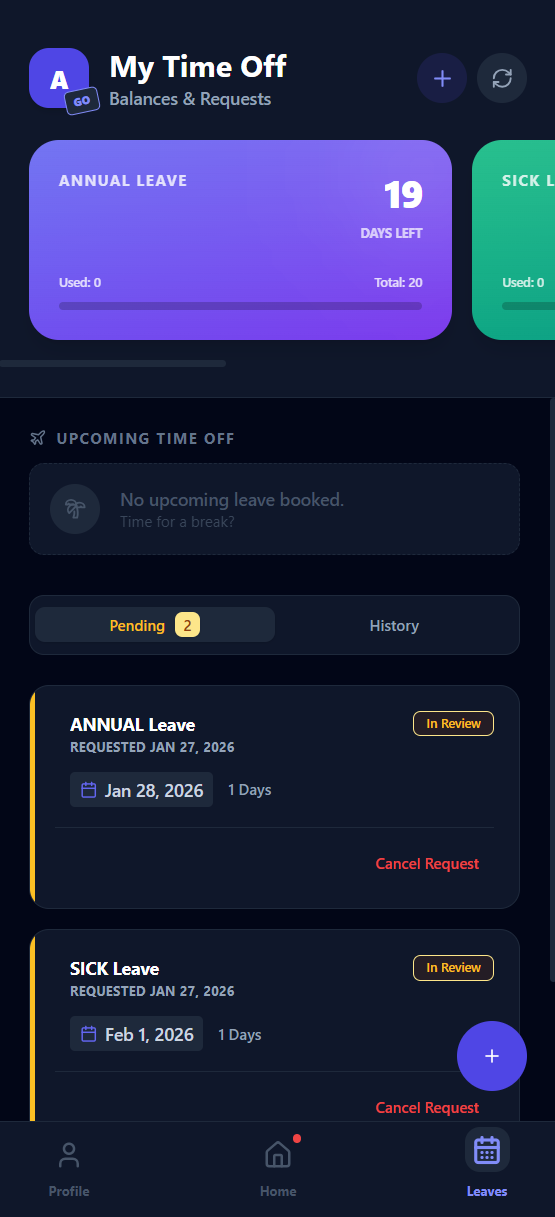
Each person sees their own slice: shifts, leave, hours, and a buzz when a visitor arrives for them.
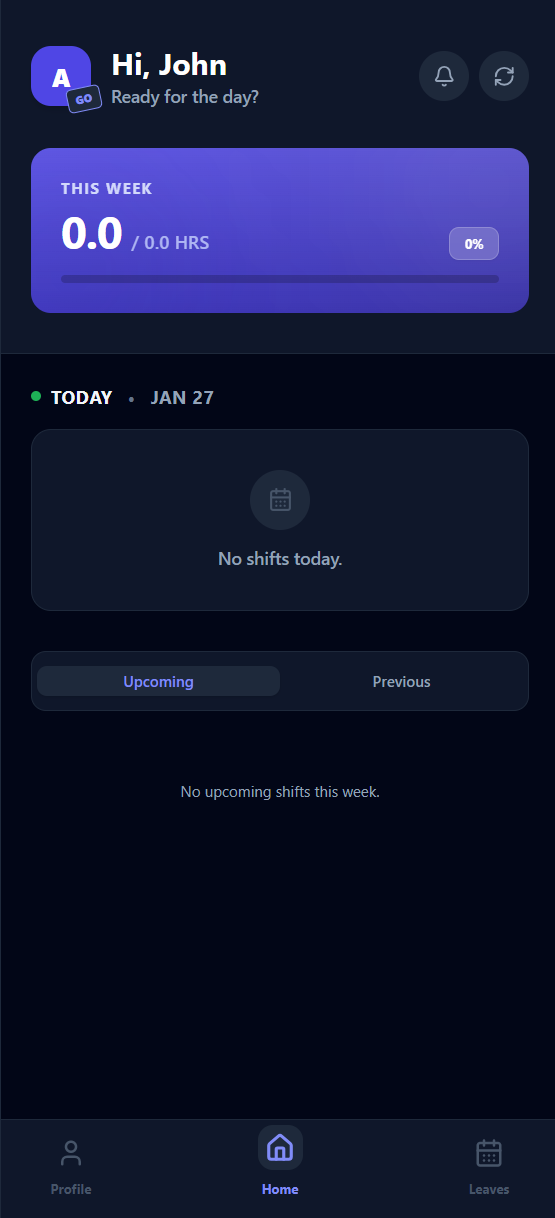
My shiftsToday and the week ahead, updated the second the roster is published.
Leave in two tapsPick the days, add a note, send. See your balance and when it's approved.
Clock in and outOne tap at the start and end of a shift. Your hours build themselves.
Arrival alerts“Ben Carter has arrived · Reception.” One tap to say you're on your way.
My hoursHours this week and this pay period, from the same timesheets the manager sees.
04 · Arrivo Intelligence
Ask. Act. As you.
An add-on to any plan, turned on per user. It has your login and nothing more. See the full conversation on the homepage.
AskPlain-English questions, live answers
Who's on Saturday morning?
Emma and Jack, 8am to 1pm, at Newmarket. Lucy has asked for Saturday off and that's still waiting on you.
Who hasn't signed out?
One visitor: Ben Carter, signed in 10:31 for James. Everyone else is out.
ActActions with a confirm step
Approve Lucy's Saturday off.
Arrivo action · needs your OK
ActionApprove leave request
WhoLucy Bennett
WhenSat 13 Sep · Annual leave · 1 day
CheckSaturday still has Emma and Jack. Lucy has 4 days left.
ThenTell Lucy in Go, update Saturday's roster
ConfirmNot now
Signed in as youNo service account, no separate data store, no back door. If your login can't see it or change it, neither can the assistant.
No health data, in the codeThere is no API path from the assistant to patient or clinical information. Not a setting. It isn't wired in.
Every action loggedAnything it does appears in the Portal's history under the name of the person who confirmed it.